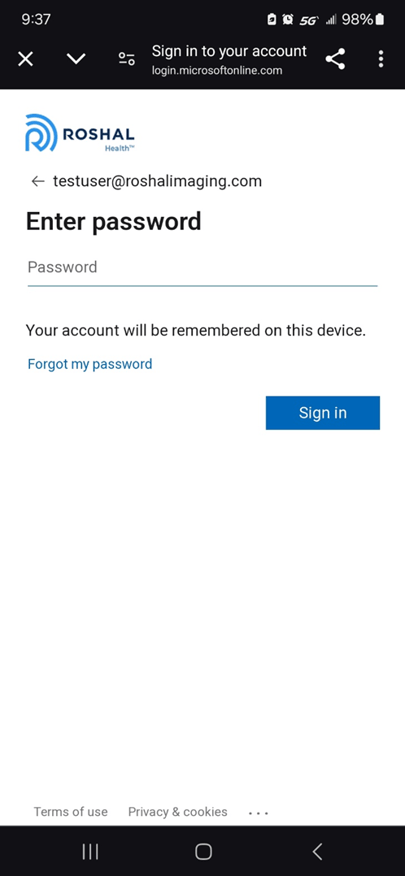
If you can’t remember your password when signing in to the Roshal Provider App, select “Forgot my password” on the sign in screen:
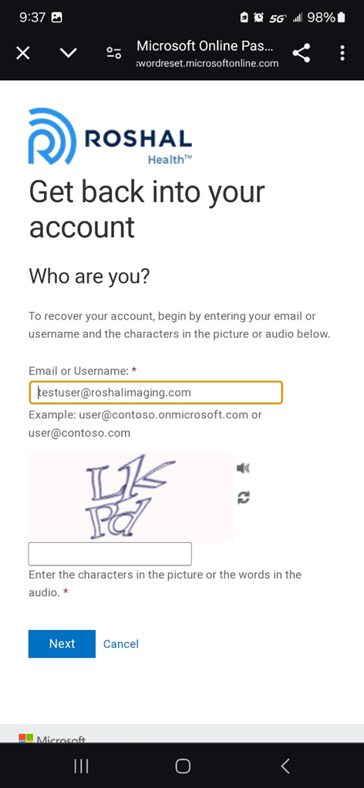
That will bring you here, where you need to complete this captcha screen to begin the password reset process:
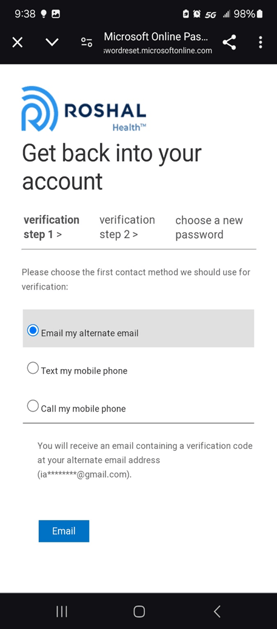
Once that is started, you will need to complete two verification steps to confirm your identity before you can reset your password. In this case, the options are getting a code texted to you, a phone call with a code, or getting an email to your personal email address:
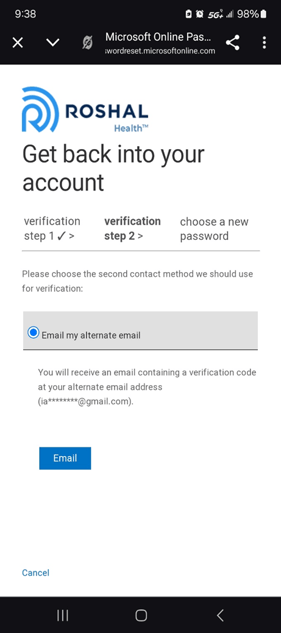
Once you have completed the identity verification, you will be brought to this screen to reset your password:
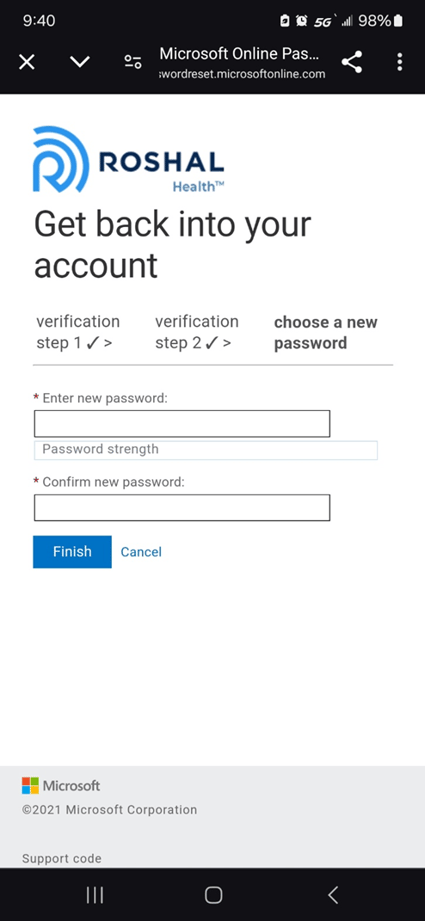
Create a new password and hit Finish and you are done! You will be also prompted to sign in with the new password the next time you log in to your Roshal email account.