🛑 Note: This guide applies only to Apple iPhone users.
If you use an Android device, you can skip this article.
🔍 How to Identify Which App You Have
Old App – Provider- Icon: White
- Name: Provider
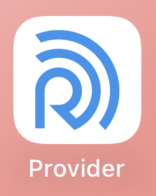
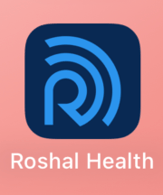
New App – Roshal Health
- Icon: Dark Blue
- Name: Roshal Health
📥 How to Install the New App
Option 1: Direct App Store Link
-
Tap the link below from your iPhone:
-
Tap Get or the download icon to install the app.
Option 2: Update Banner in Provider App
If you see an App Update banner in the Provider app:

-
Tap the banner.
-
You’ll be redirected to the Roshal Health app in the App Store.
-
Tap Get to install.
🗑️ How to Remove the Old Provider App
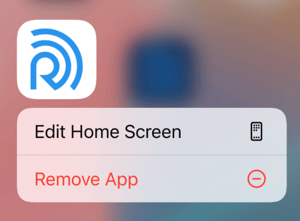
- Touch and Hold the Provider app icon on your home screen.
- In the pop-up menu, tap Remove App.
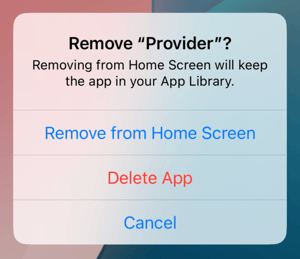
- Tap Delete App to confirm and remove the app completely.
✅ You’re All Set!
Once installed, open the Roshal Health app and continue using it as usual. If you have any issues, reach out to Roshal Support.