There may be times when the StudyCast CoreGateway software on a laptop needs to be updated. Here is the fastest way to do this:
Open a web browser and go to this link: http://127.0.0.1:8080/login.html
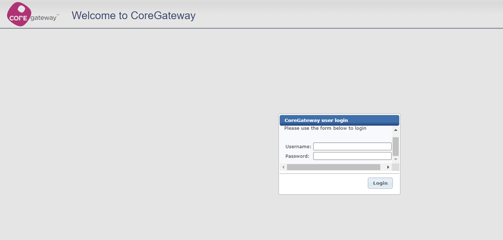
On this login page, use these credentials to enter the Admin site:
Username: admin
Password: test
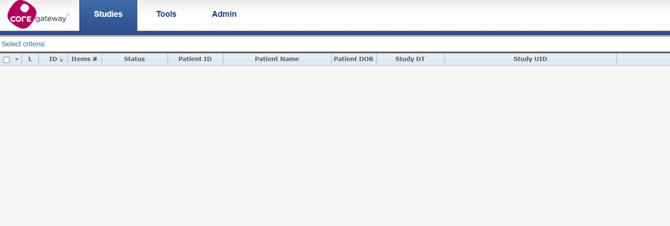
Ensure that no studies are pending upload, and no uploads are in progress!
On this page, you will see a menu bar across the top with the options: Studies, Tools, and Admin. Please select Admin to arrive here:
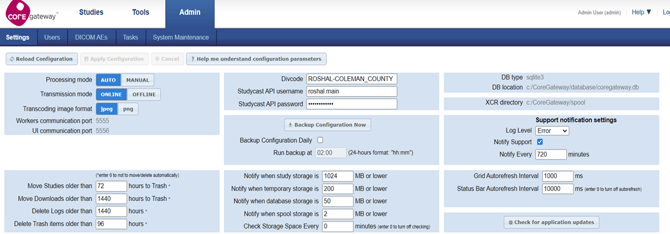 Select “Check for application updates” in the bottom right area.
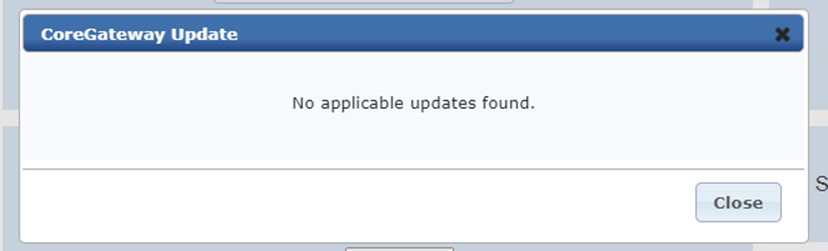
A box will pop up telling you if you have an update. If you do, select Download and Apply Update to have it installed. Once it is complete, you will need to log back in to the admin site and go check for updates one more time.
If you get this message, you are good to go
 !
!