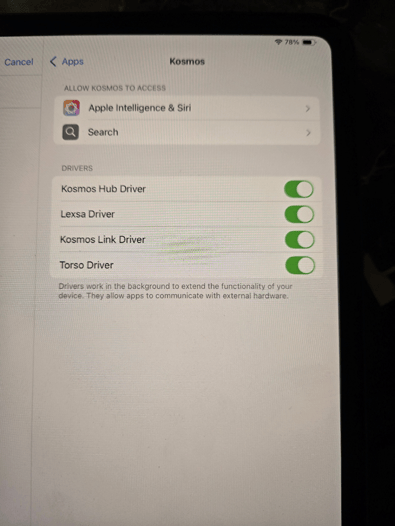
If the Kosmos app on an iPad is not recognizing the probes that are plugged in, try checking this setting on the iPad.
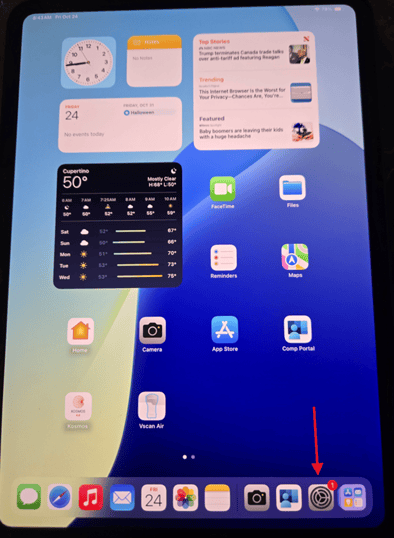
- Go to the Settings app on the iPad:
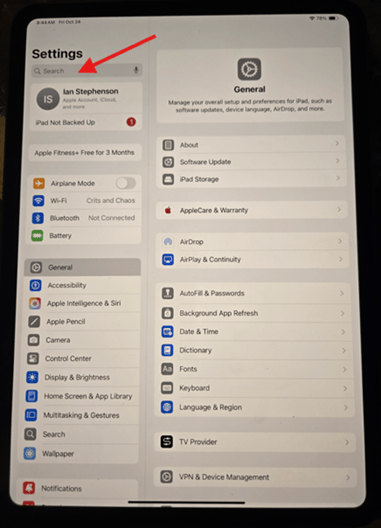
- When that opens, type in Kosmos in the Search bar here, then select the app when it comes up below:
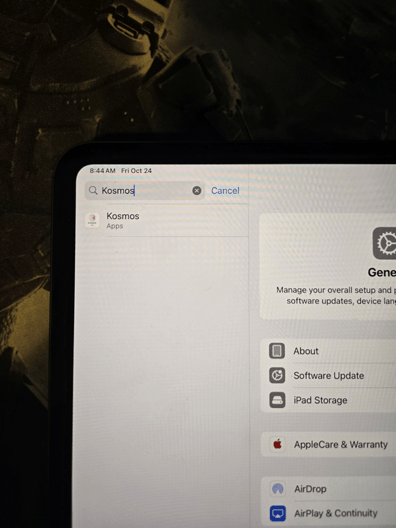
- Select Kosmos here, which will bring up a small menu of items to the right:
- In this small menu, look at the list of Drivers. If they are not toggled on and showing green like below, turn them all on and then go back to the Kosmos app. The probe should now be connecting!